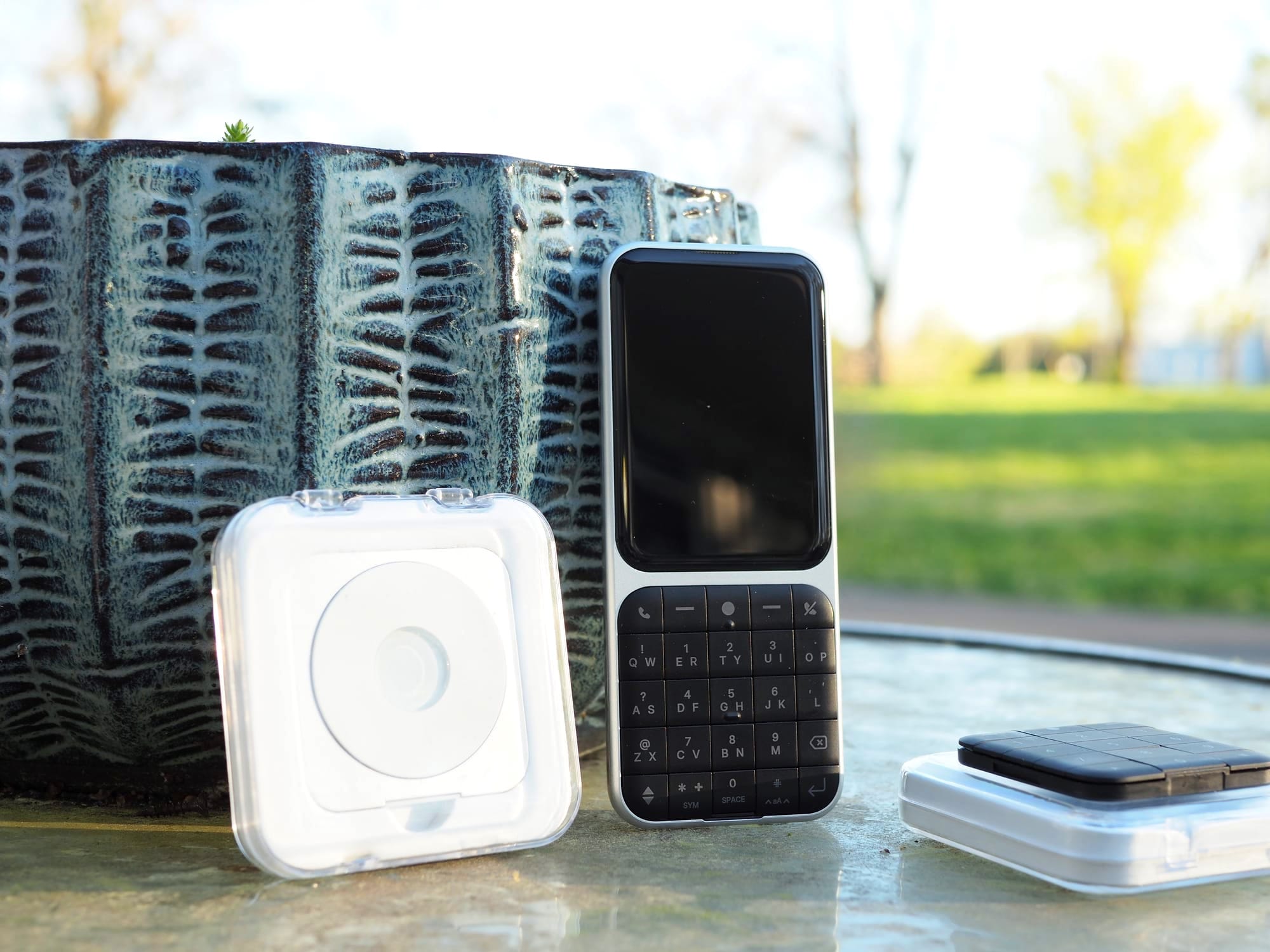
Three Weeks with the sidephone
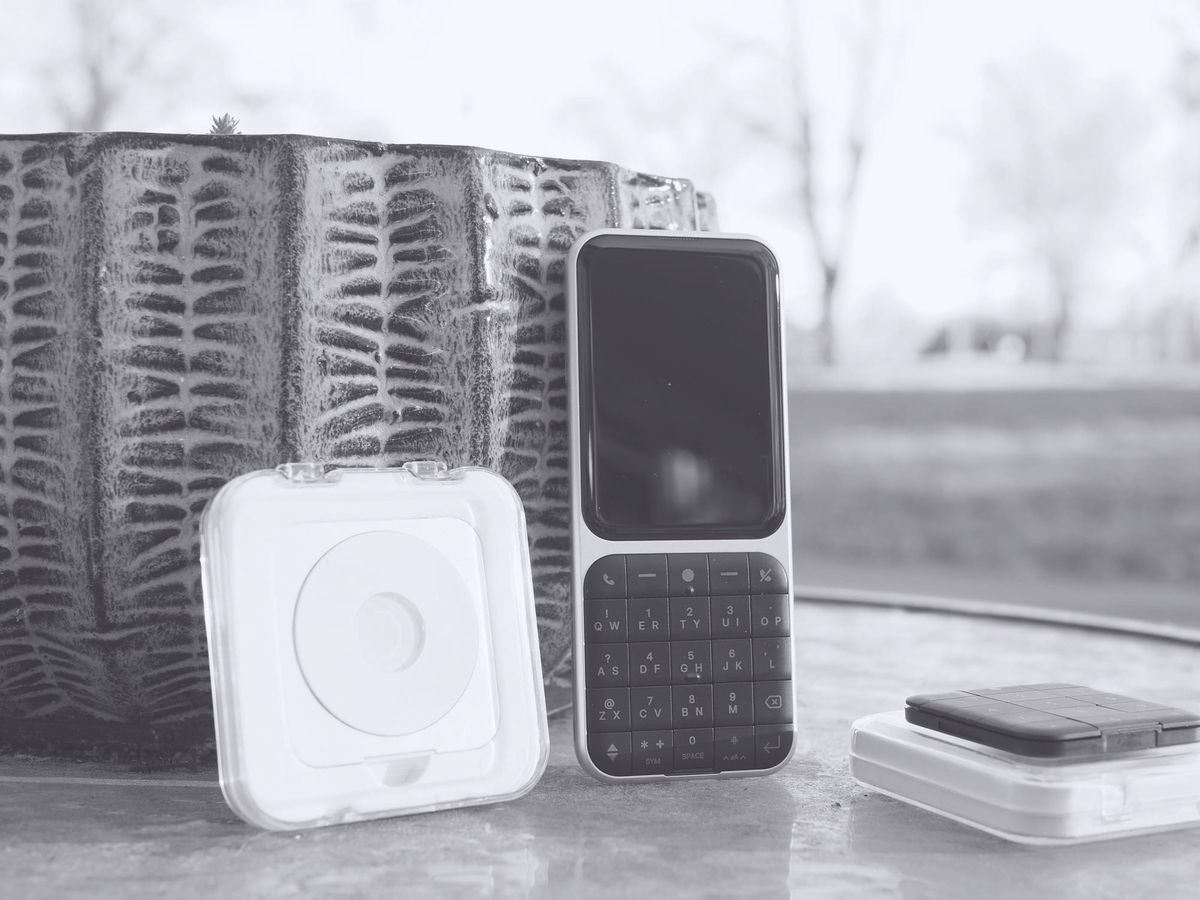
On March 7th 2026, I ported my number out from GoogleFi and my relatively new Pixel 9a to Mint Mobile. I'd been a happy Fi customer for over 3 years, but because my new phone wasn't acceptable to the all encompassing Google servers, I had to make the jump.
Thankfully the switch was a relatively painless affair, and it helps that I was able to jump in before Mint's $15 a month unlimited offer was sunsetted. On that March Saturday I began my admittedly quirky but mostly painless journey with the sidephone. But I think I'm getting ahead of myself here. Let's begin with:
What is the sidephone?
The sidephone is a small AOSP based smartish-dumphone or maybe it's a dumbish-smartphone, it can be either or depending on how dirty you want to get your hands. It's key piece of innovation is the addition of removable keypads, that sidephone calls "tiles". These little modules currently come in 3 flavors:
Numpad - classic dumbphone layout minus the alpha legends on the keys, this makes it difficult for T9 typing.
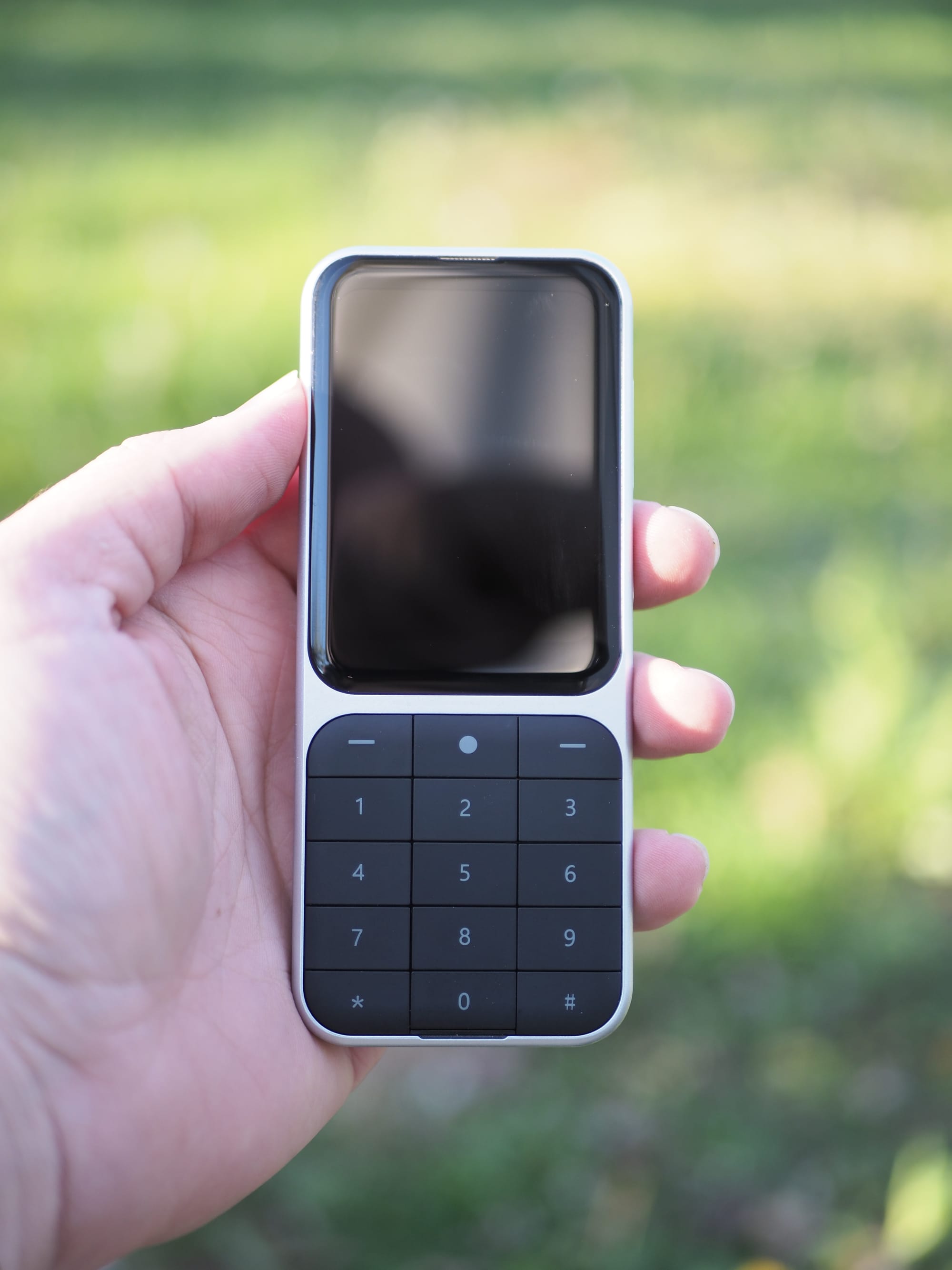
Split Qwerty - A sidephone variation of the SureType keyboards popularized by RIM in the early 00's.
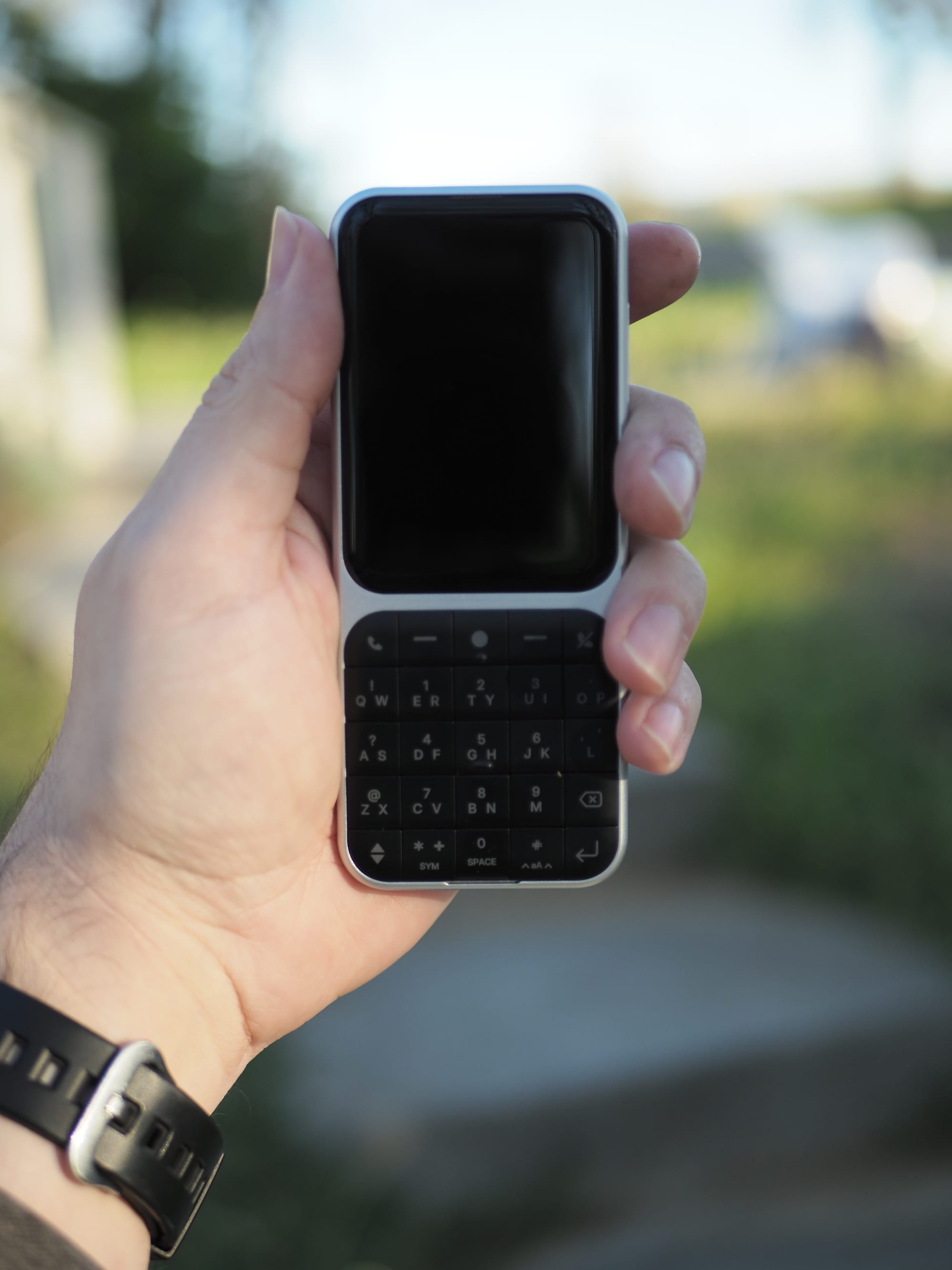
Sundial - an iPod look alike pad, but instead of a rotating wheel, the Sundial features 9 buttons ostensibly for creating key presets. Admittedly, 99% of my time with my sidephone has been with the Split Qwerty installed.
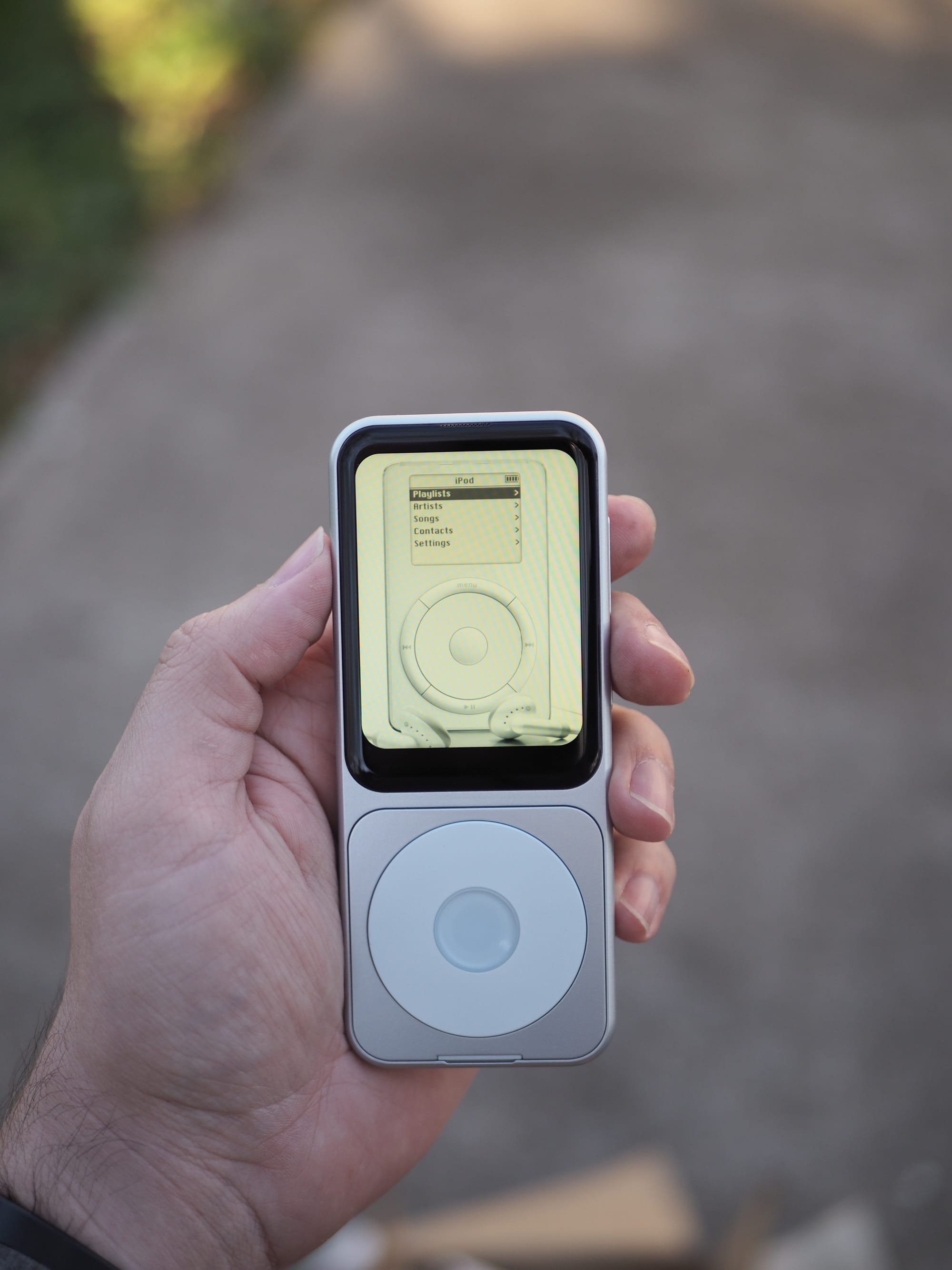
On the software side of things the sidephone ships with a slightly modified version of AOSP 12, it's security update hails from the year 2024, and most importantly, it does not have Google Play Services. The sidephone team have done a remarkable job with some of the native applications and the "library" the only preinstalled app store. More on this later.
Hardware wise the sidephone has a 2.8" 60hz LCD display with a resolution of 480 x 640. For us dinosaurs this resolution should look very familiar. It has 4Gbs of RAM and 64Gbs of storage without MicroSD capabilities. The processor is a MediaTek MT6761, a chipset originally released in 2018. It doesn't have a headphone jack, proximity sensor, ambient light sensor or a fingerprint sensor for fast unlock. If those specs don't wow you, that's kinda the point.
Using sidephone: Software/Apps
So what's it like to use this mishmash of a phone? If you are like me? Delightful, but you need to know what you are getting into.
Out of the box the sidephone is intentionally limited. It's restricted to a few apps namely: Phone & Contacts, Messages, Camera, Clock, Files, and Settings. Depending on how dumb you want this phone to be, you can leave it like that and enjoy the modern Nokia experience. However, if you need a bit more, sidephone has you covered there as well.
Introducing app packs: Essentials+, Proton+, Browser+, and Misc+. The premise here is simple but ingenious. Instead of having a store of endless apps, each pack promises a few apps that work well on sidephone. So depending on the functionality you think is essential in a phone, chances are one of the packs will have the functionality you need. I personally installed all save the Proton app pack. Here are a few short reviews of the apps I use on a daily or weekly basis from the Library app packs.
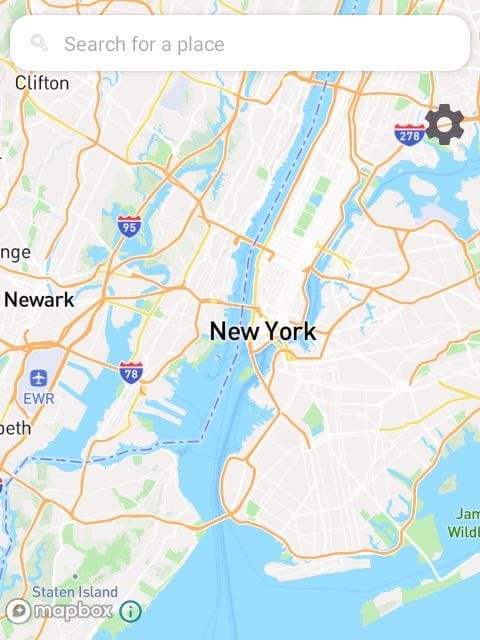
Maps - As far as I can tell, this is a modified version of HereWeGo, a map/navigation app with a pedigree trailing back to Nokia in it's Symbian/Meego/WindowsPhone era. The Maps app for sidephone is simplified with less UI elements to better fit its small screen. It's a decent replacement for Google Maps. ★★★☆☆ (3/5)
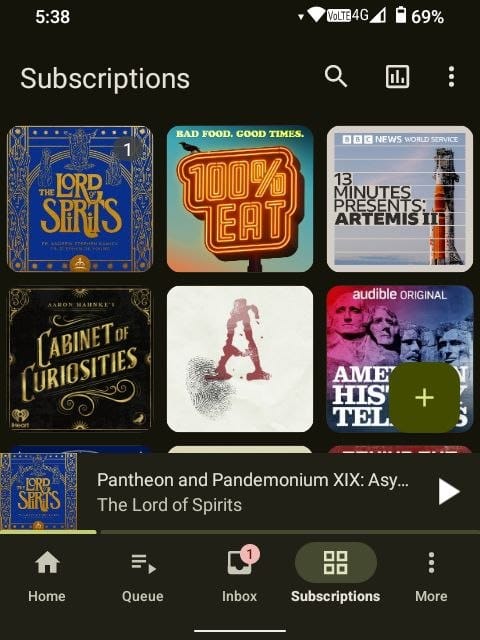
AntennaPod - The gold standard for FOSS podcast apps. I've used AntennaPod in the past and it offers a rich experience no matter what phone you use it on. I can't think of a better podcast experience and it scales well on sidephone's hardware. However, with sidephone's limited storage space, I find myself using other devices for my podcast listening ★★★★★ (5/5)
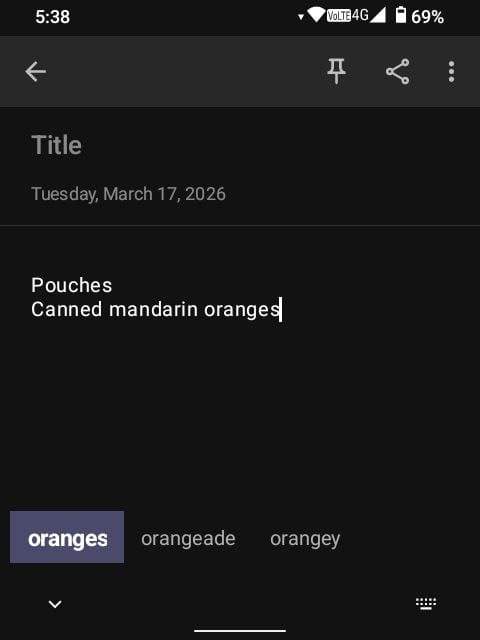
Notally - A simple, usable notes app. This has been an adequate replacement for Google Keep. I miss being able to keep a synced grocery list with my wife, but that is a minor complaint. I find the UI to be intuitive and pain free to use. It gets out of the way. I can think of no higher praise for a notes app. ★★★★☆ (4/5)
Firefox - My preferred browser. Yes I know it has security issues on Android. I've read GrapheneOSs posts on it. But I'm using a phone with security patches from 2024, I can't imagine using Firefox is going to make it worse. Firefox also has it's own issues as a company. I'm not super thrilled about its embrace of AI, but I'd rather use a browser that isn't chromium based and has extensive extension support. ★★★★☆ (4/5)
And those are about all I use from the Library, excluding basic functions like texting, phone calls, etc. Perhaps if I were a new user, with little experience with Android and the FOSS ecosystem that has developed around it I would either be content with what the sidephone is, lost at what to do next, or frustrated that I couldn't get the one app I really needed on it. However, Android is (for now) open to manipulation, user adjustments and multiple app stores.
If you know how, Android can really open up. Aurora is a front end for the Play Store. I've downloaded several apps including the app I use to check my daughter in and out of school everyday. F-Droid is a huge repository of FOSS apps. Some notable highlights for sidephone include: Thunderbird, Fork Client, HeliBoard, and NewPipe. Accrescent is another smaller FOSS app store, from here I would highly recommend grabbing Transcribro for hands free text dictation. With these 3 app stores and a select few apps, the sidephone becomes personally usable as a daily driver, that is if the hardware is for you.
Using sidephone: Hardware
This is truly the make or break for this device. The current dumbphone market is expanding. There seems to be a small cultural shift currently taking place, a tiny but growing subset of people are making the switch either full time, or on the weekends, to dumb or smartish phones. Lightphone and Punkt were among the pioneers of this movement, sidephone, Keyphone and other similar players are now throwing their hat into the ring. Add to this, the resurgence of interest in keyboard phones or RIM/Blackberry type devices from Unihertz and Clicks and there is a veritable feast of devices for tech and non-tech people to choose from.
The sidephone seems to me, to find the middle ground between these competitors. The software already strikes a good balance between simple and powerful, the hardware is where that philosophy really shines.
The body of the device is the weakest part of the experience. The plastic chassis is creaky when pressed in certain places, and the quality of the finish gives early aught Craig vibes.
The display is fine, totally and completely fine. It's sharp enough, and responsive enough and the colors are pretty good! It gets bright enough for 90% of the time I use a phone. I do wish it had an ambient light sensor. I am also not a fan of the 2.5D glass. While it makes for a striking profile, it makes screen protection basically non-existent. The glass seems to be pretty scratch prone as well.
However, the hand feel is impeccable. The device is light without feeling like a toy. The shape is rounded, friendly and approachable. While I may not like the feel of the plastic and its finish, it does evoke the early aughts and 2010's and the design choices of decades past. It's charming in it's own way.
The camera is bad, I'm not saying that you can't get good images out of it, you can, but you need to use plenty of light. It is bad in an honest digicam kind of bad. Unlike the dishonest bad shots you get with modern smartphones. I think it's an improvement overall.
Battery life is extraordinary. You don't realize just how much all that phoning home drains your battery life, along with those giant screens and 90Hz+ refresh rates. If most phones were like the sidephone, battery anxiety would be a thing of the past.
Finally we get to the inputs. This was the selling point for me. I've wanted to simplify my tech life for years now. I felt addicted to my smartphone, GrapheneOS didn't solve my issues, sheer will power didn't do it either. I tried the Unihertz Jelly Star and that did significantly reduce my phone use, but at the cost of actually using my phone as a communication device. The 3" screen was simply too small to use comfortably for texting/chatting. The sidephone's Split Qwerty board is the perfect answer.
Not only are the keys perfectly clicky, maybe too clicky depending on the environment you are typing in, but they also have decent travel and a good feel to them. I do desperately wish that the keys were backlit and that they had more differentiation between the keys so you could build muscle memory faster. Overall though, I think the sidephone team nailed it. I look forward to a sidephone 2.0 one with an aluminum build and backlit keys, maybe with different key geometry as well. I think taking even more inspiration from RIM could be a good idea.
Conclusion
The sidephone feels viable, doable, it has what I need, and I can use it how I want to use it. My phone is a tool now, and I am in control of it and not the other way around. My screen time has cratered from 5+ hours a day to 1+ hour a day. The sidephone is quirky, sometimes buggy, and I love it. My only hope is that this company continues to exist and continues to innovate. We need this disruption, now more than ever.